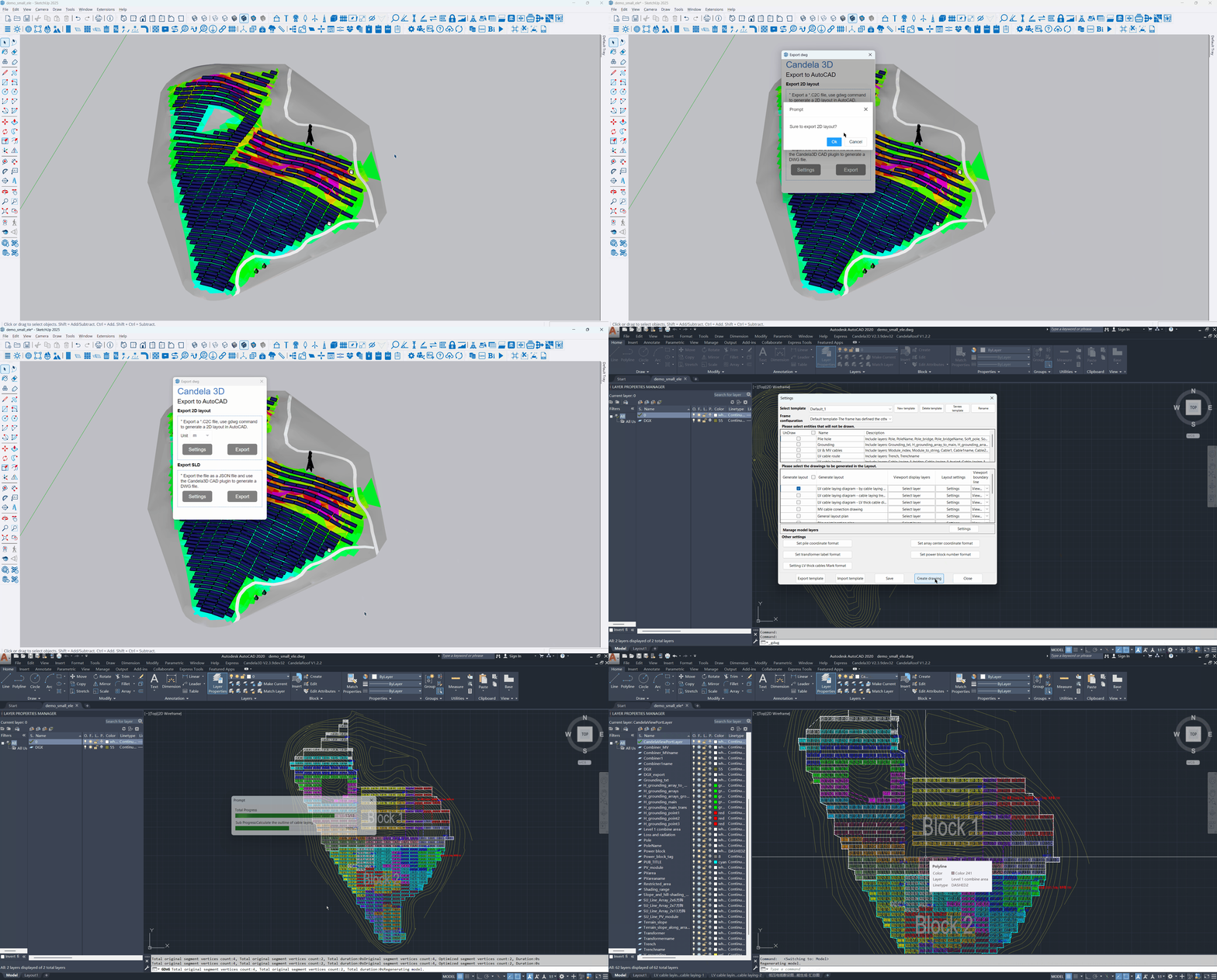
Export cable list function: CAD 2D ⇒ SU 3D
SU Export c2c file: Select layers such as PV array, pile position, cable, and shadow as needed, automatically draw the viewport range line in CAD, and export the c2c file with one click.
Generate CAD drawings: Import c2c files using the accompanying CAD plugin to generate comprehensive drawings including a general layout plan with complete layers, a pile position layout plan, a cable laying plan, a grounding layout plan, and more.
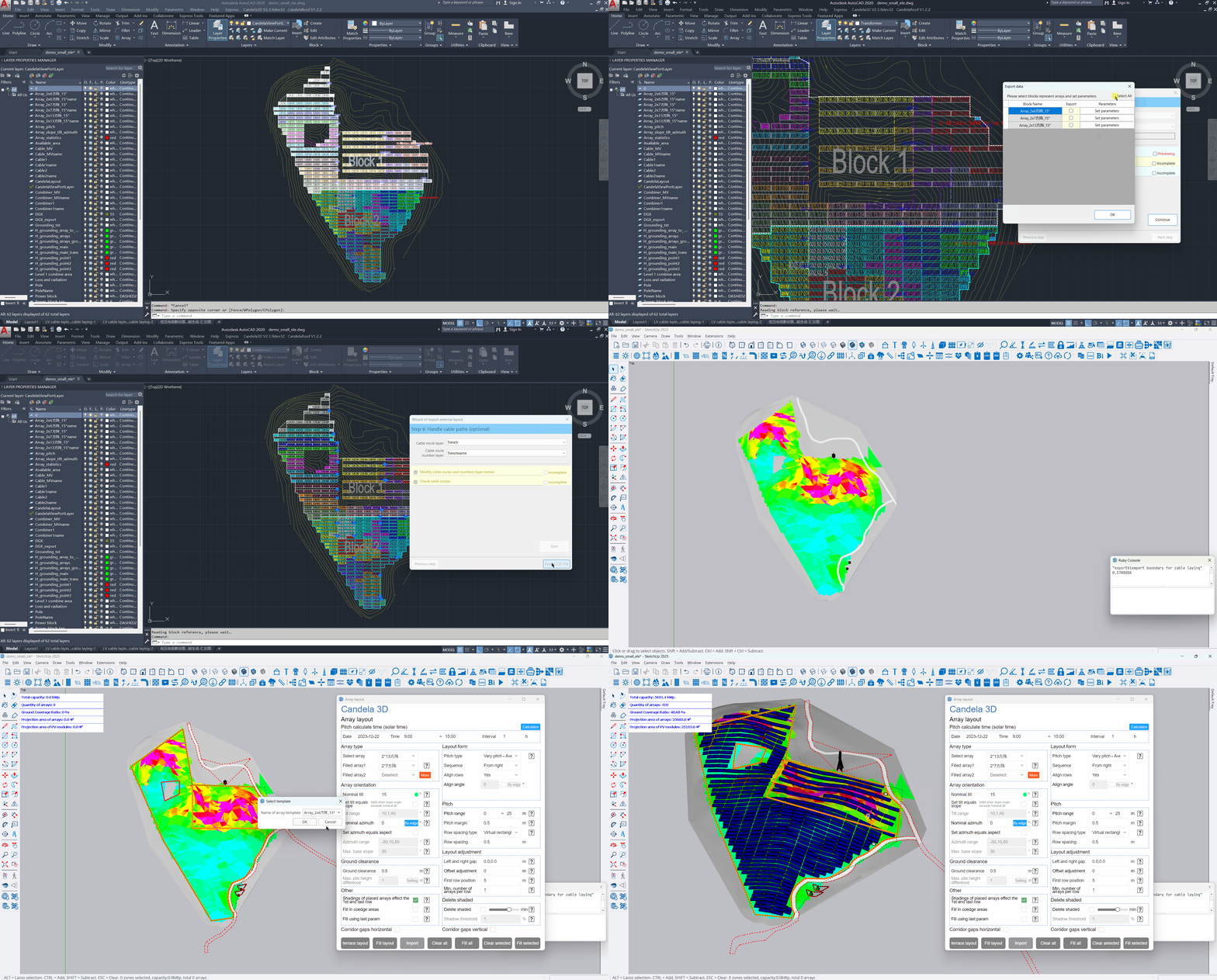
Import layout function: SU 3D ⇒ CAD 2D
CAD Generate c2c file: Use the Reverse Import Wizard in 6 steps: Layer Organization, Array Processing, Transformer Processing, Parameter Association, Combine and Cable Processing, with a combination of automatic and manual steps, to generate a C2C file for 3D modeling in SU.
SU import: Use the import layout function in Array layout to select the c2c file generated by CAD and generate a 3D layout.

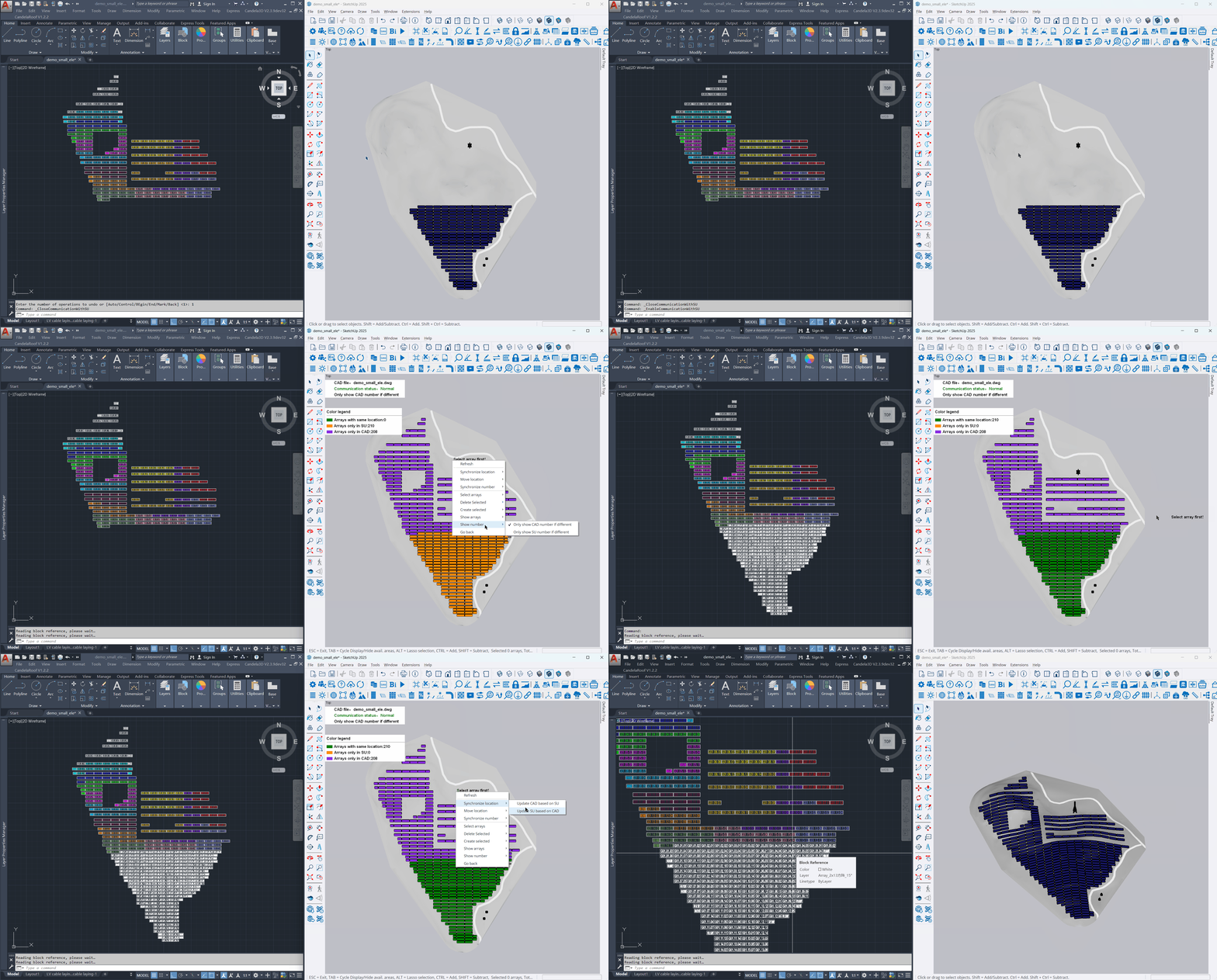
Synchronize with CAD function: SU 3D ⇆ CAD 2D
Differences Comparison: Compare arrays, transformers, Level1 devices, and String relationships, show the differences between the two sides, and support Refresh, Move, Add, and Delete.
Bidirectional Synchronization: It allows for CAD→SU or SU→CAD, with one-click update of location, number, size, capacity, and string relationships.