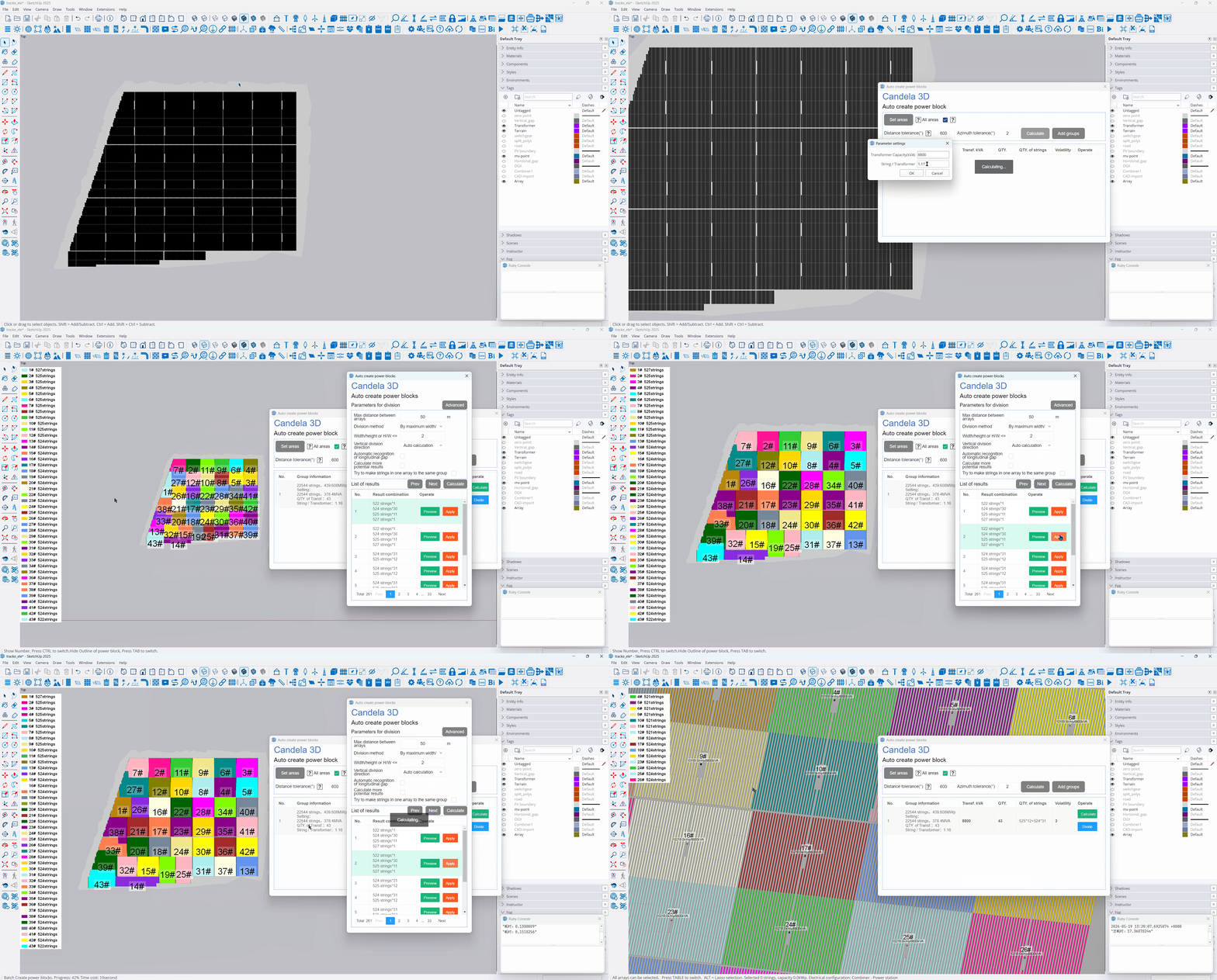
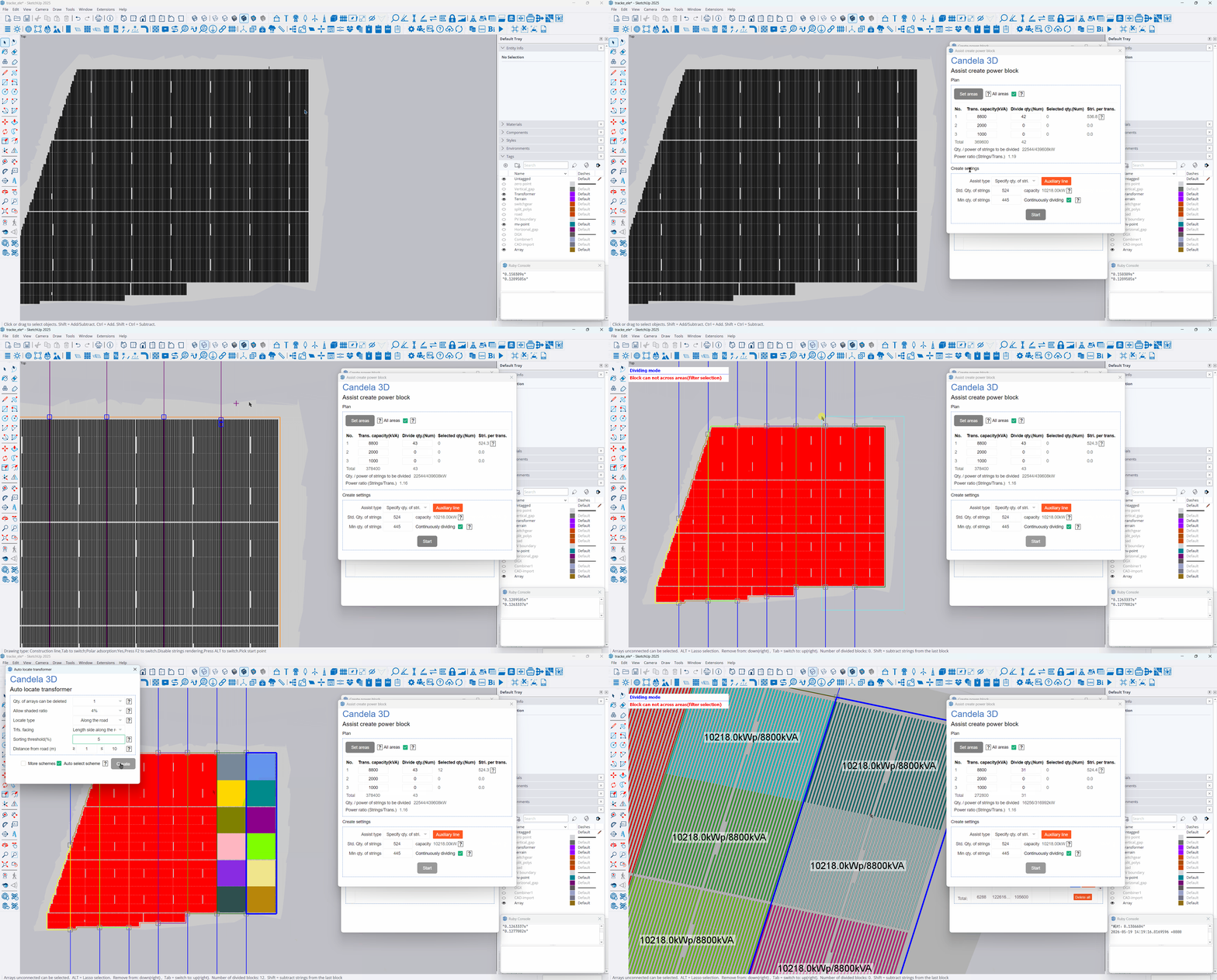
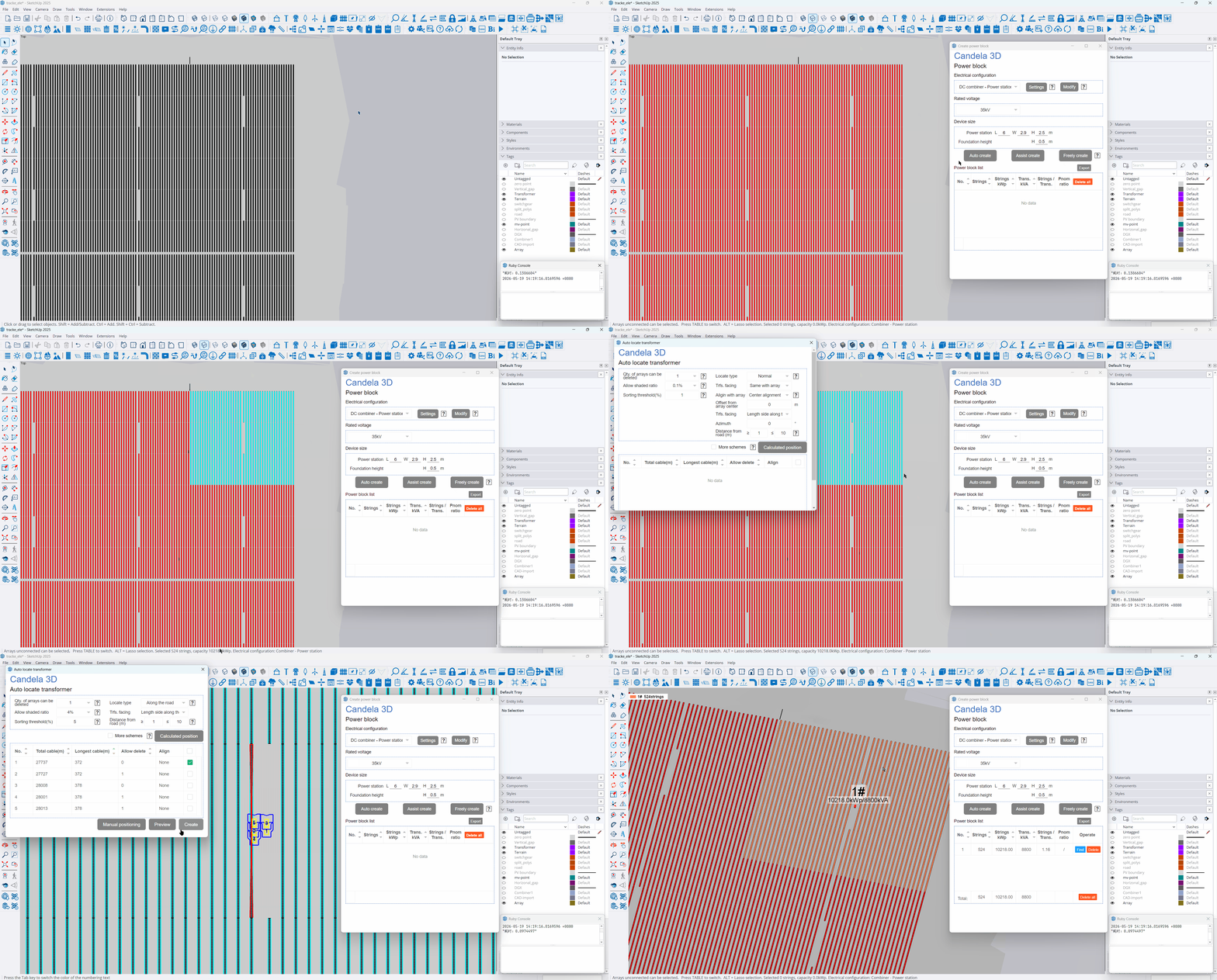
Divide power blocks in multiple types
Auto create: Based on the set rated capacity of transformers and the Qty. of devices, the number of suitable strings for each power block is calculated. Photovoltaic arrays located nearby are grouped into the same block, and the automatic placement of transformers is completed simultaneously.
Assist create: After setting the number of Power block strings and drawing auxiliary lines, box select the areas separated by the auxiliary lines to quickly complete the division of Power blocks in batch.
Freely create: Manually select a specified quantity of PV arrays as needed, and flexibly combine them into power blocks
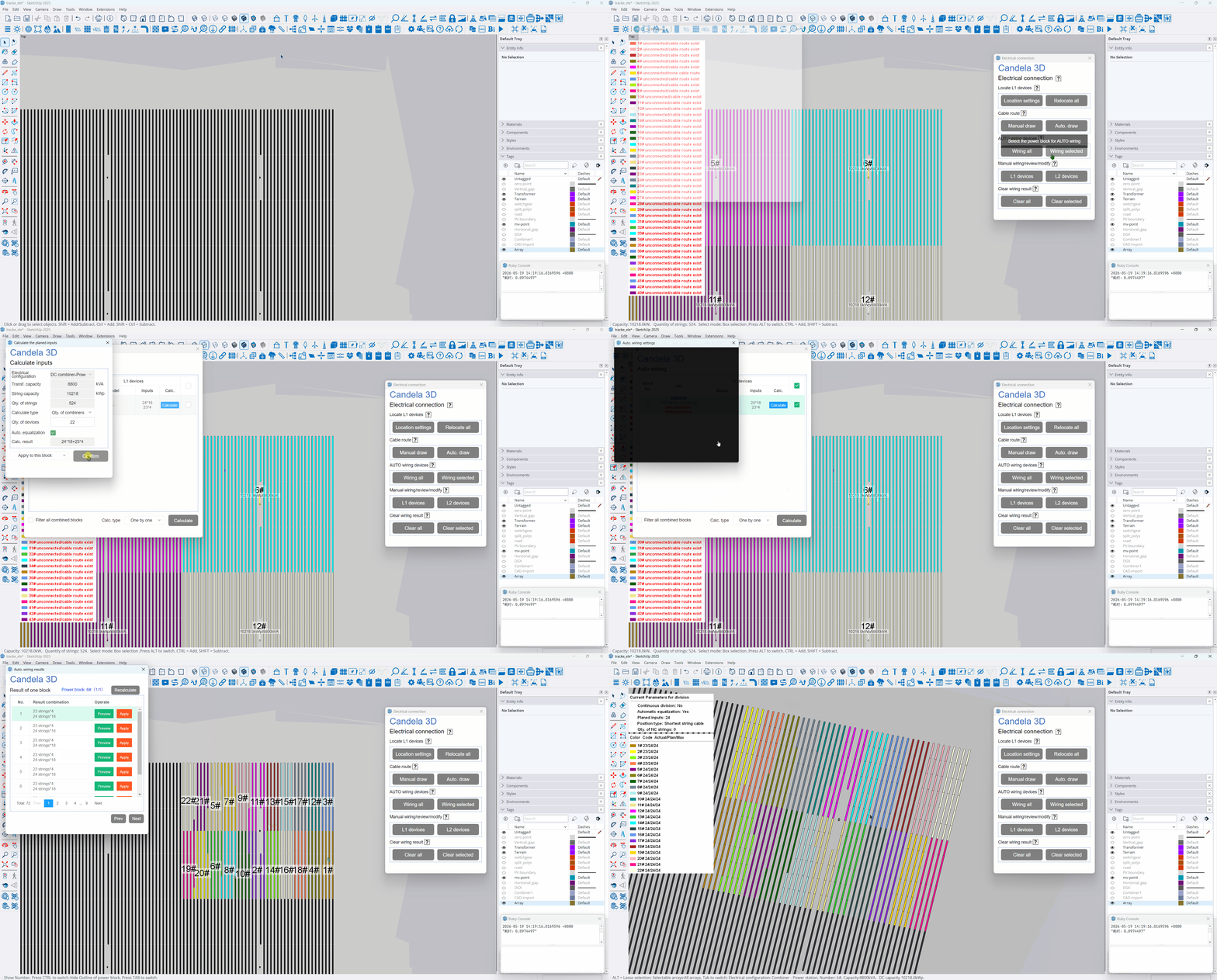
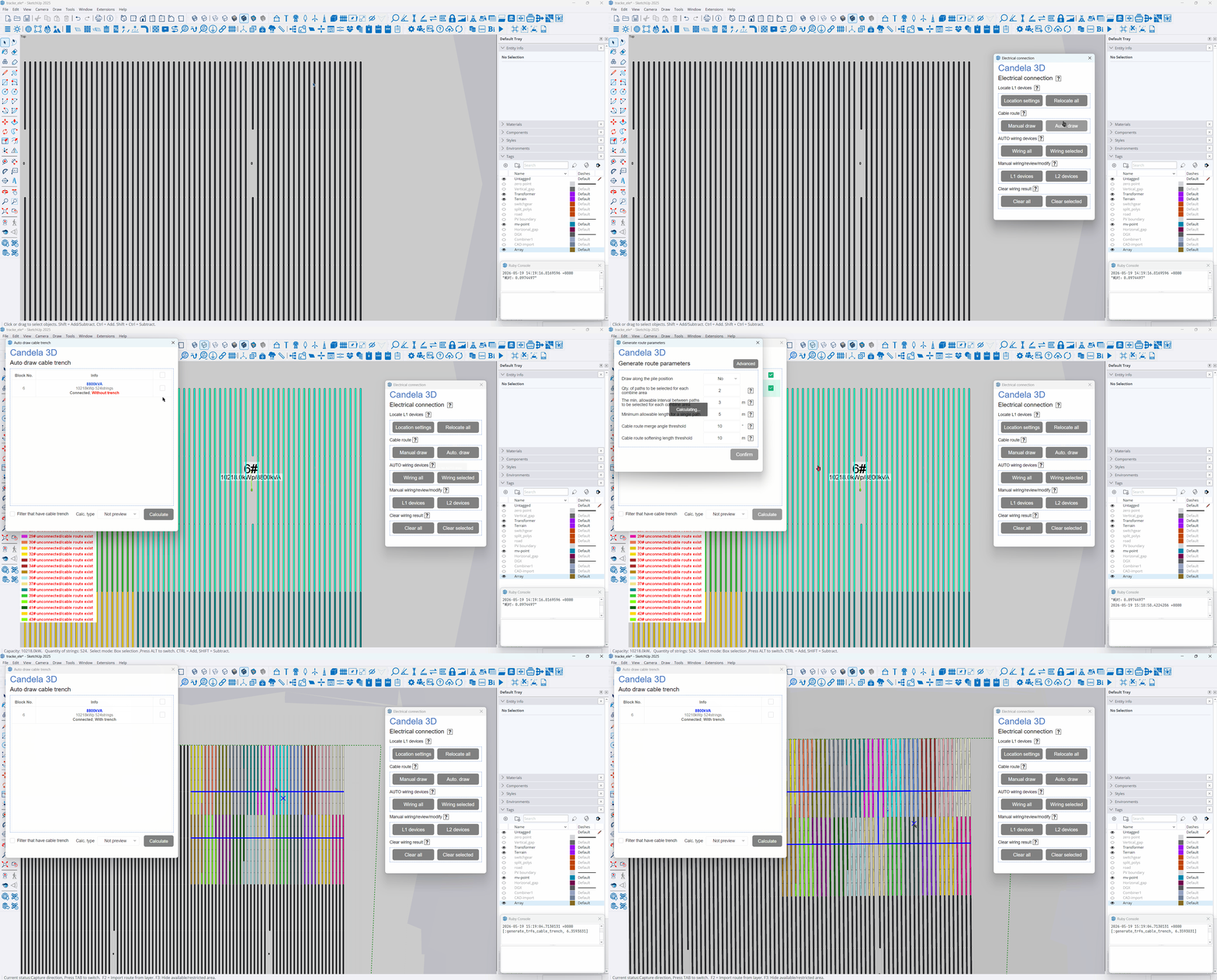
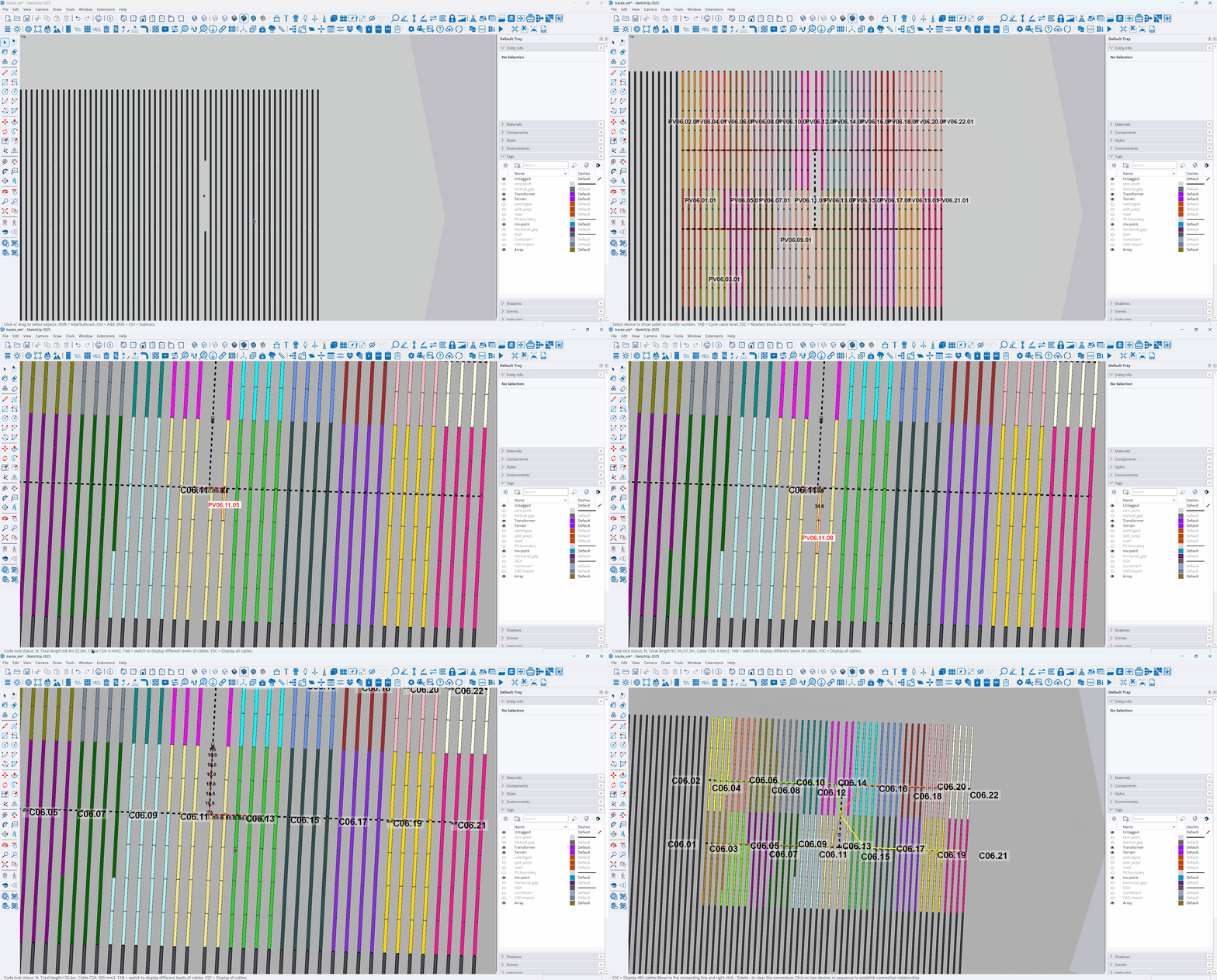


Multiple manual/auto. wiring methods and cable route optimization
Combine device positioning: Supports three automatic positioning principles: No turn-back, Shortest PV cable, and Economic comparison. Economic comparison integrates cable CPEX, voltage drop, and production to provide the optimal location and output results.
Combine Wiring selected: Based on the set rated capacity of transformers and the number of devices, calculate the number of suitable strings for each power block. Group photovoltaic arrays that are close in distance into the same unit, and simultaneously complete the automatic placement of transformers.
Draw cable route: Supports manual or auto drawing, or CAD layer import. It allows for editing, checking, connecting, and deleting routes to accommodate different wiring requirements.
Check device cables: 3D visualization of cables, view cable routing hierarchically, and determine the optimal cable route based on weight threshold.

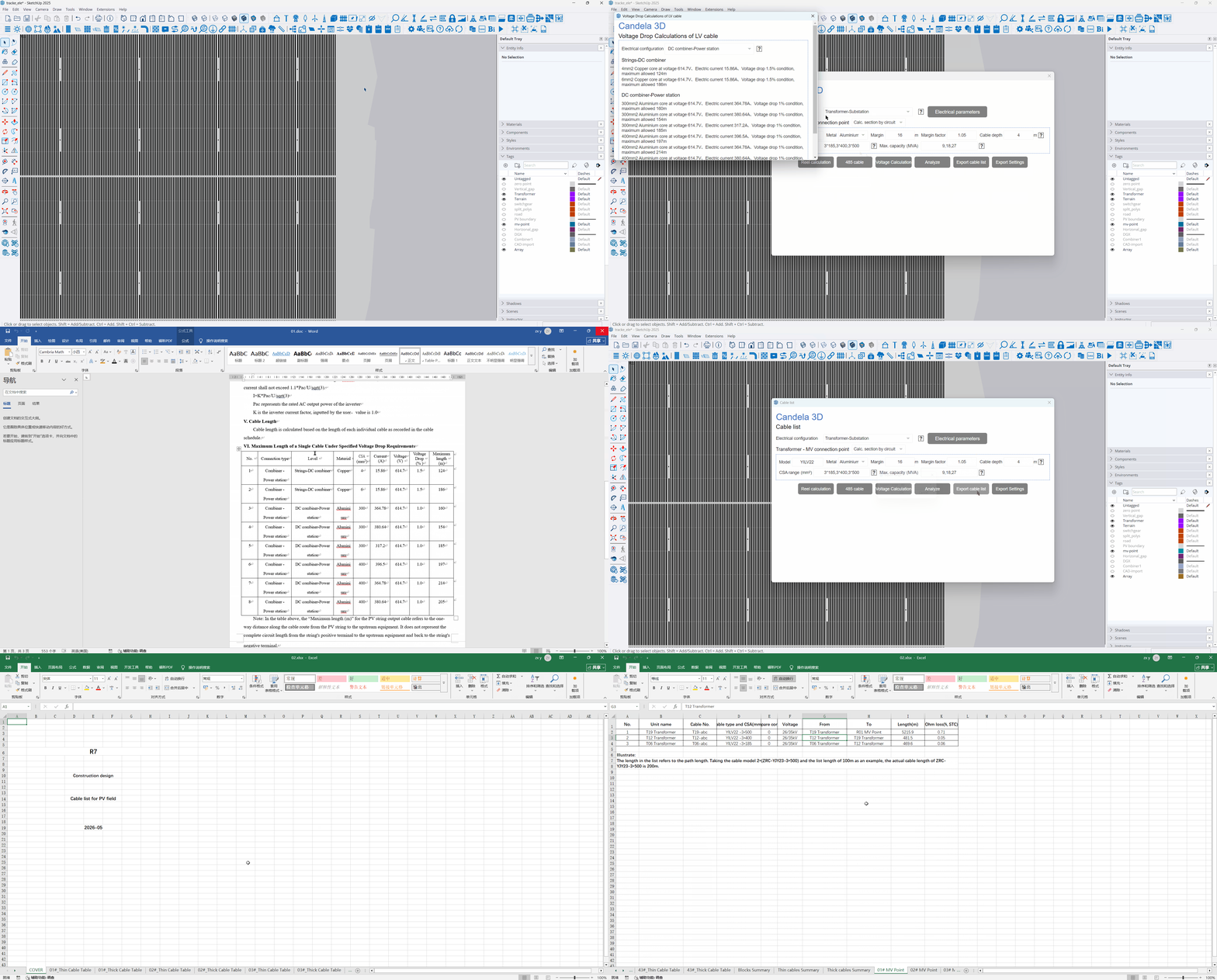
Customized Cable List
Parametric configuration: Set parameters such as cable model, material, margin, voltage drop, and burial depth based on voltage level and electrical configuration.
3D Precise Quantity Calculation: Automatic calculation of cable length (including terrain / burial depth / margin), voltage drop, cross-section, and verification optimization.
Intelligent Analysis checks voltage drop: provides early warning for voltage drop exceeding limits, automatically upgrades cross-sections, and outputs voltage drop calculation sheet with one click.
Customized Export of Inventory: Supports user-defined templates, field filtering, separate tables for different types of cables, reel calculation for summary, and one-click generation of professional inventories.
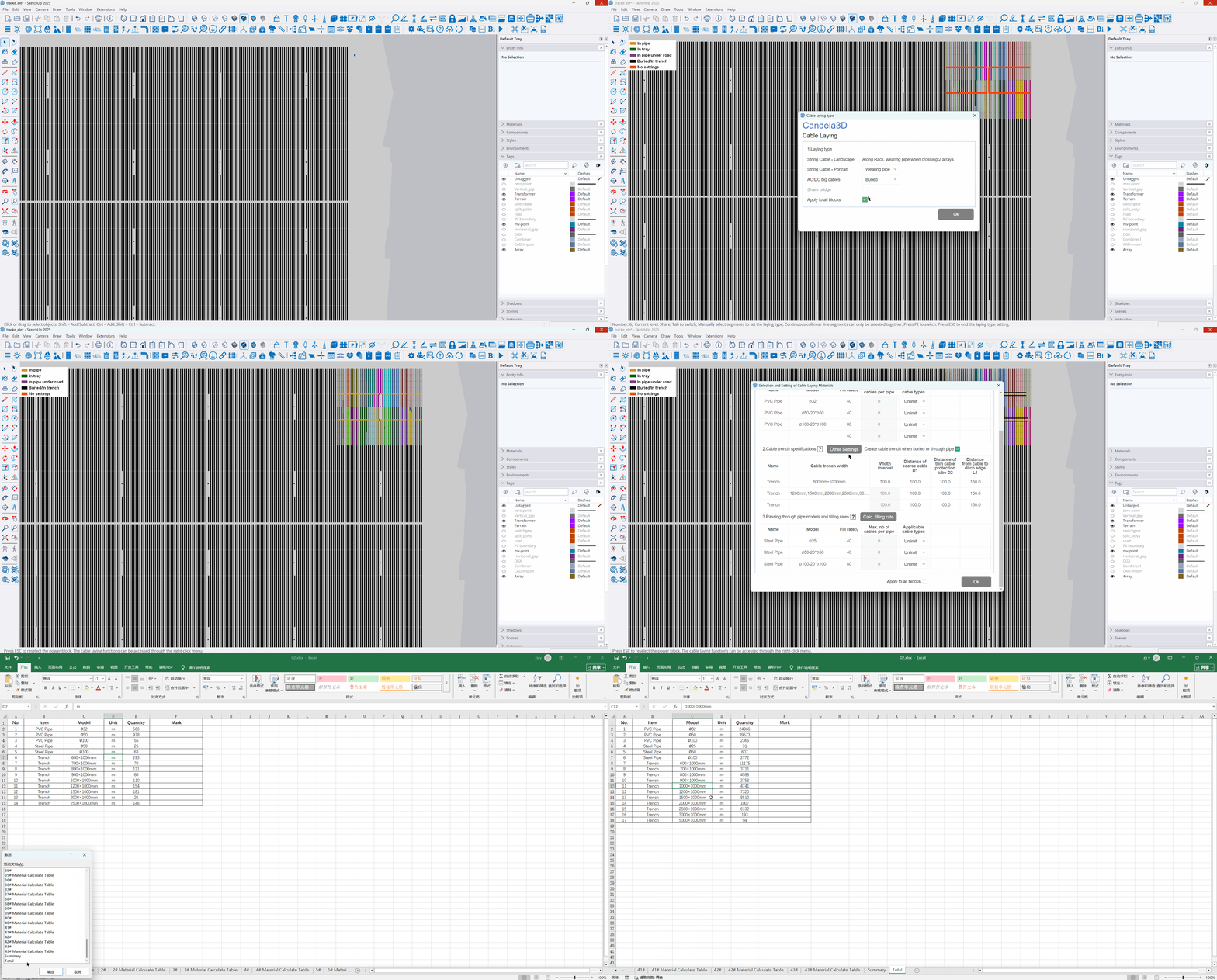

Adapt to multiple laying types, automatically select models and accurately count
Laying type settings: Supports methods such as cable tray, cable conduit, and direct burial, which can be configured separately for thick and thin cables, adapting to scenarios such as shared cable trays and shared cable trenches.
Material intelligent selection: User-defined cable conduit, cable tray, and cable trench specifications, automatically matching models based on fill rate, cable count, and outer diameter, segmented calculation and export to CAD.
Accurate Material Statistics: Count the usage of cables, pipes, cable trays, cable trenches, etc. by power blocks, include length margins and coefficients, and output a summary table to meet the requirements of construction material preparation and cost accounting.

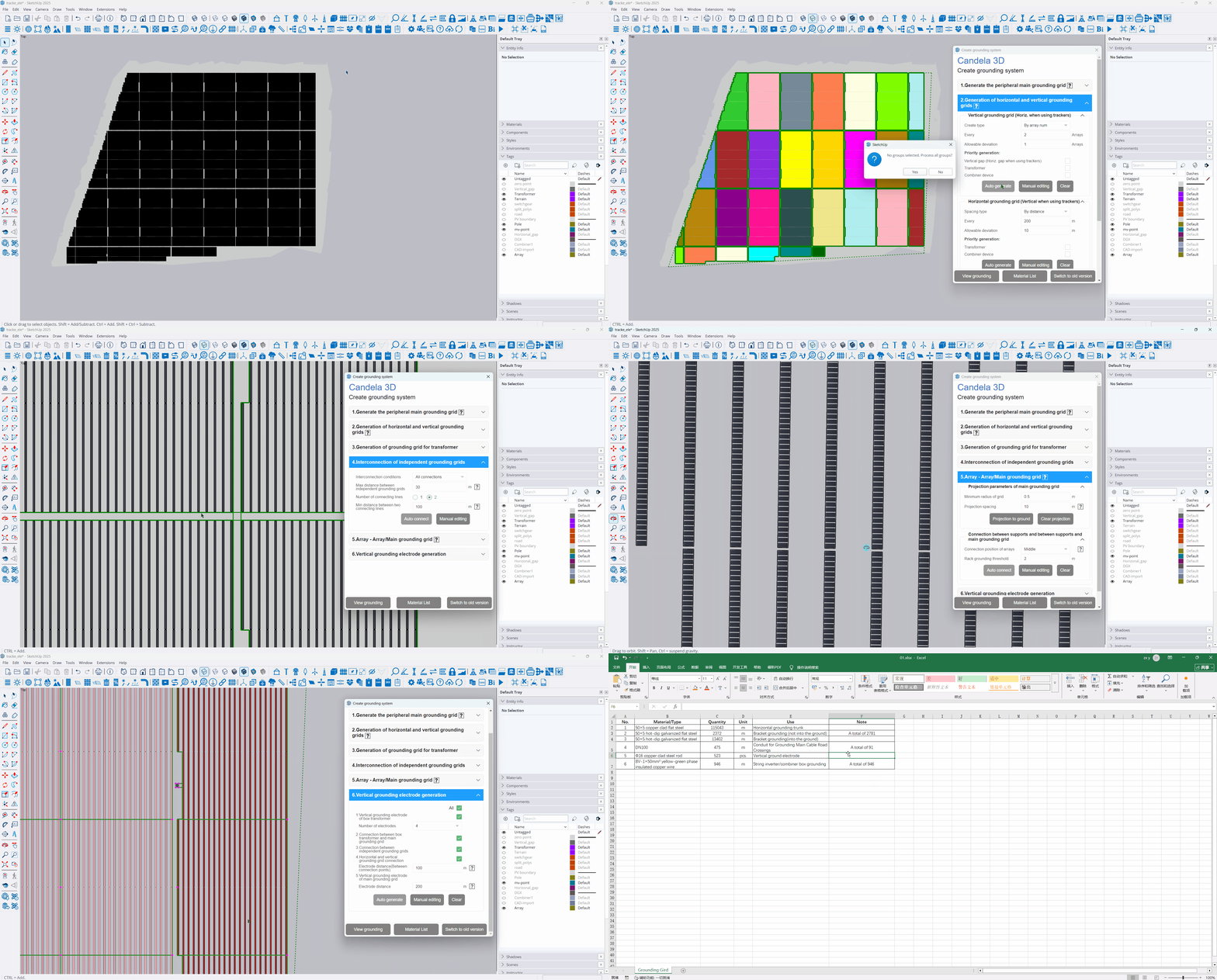
Generate grounding system step by step
Generate step by step: 6 steps to complete the generation of the grounding system: main grounding grid, horizontal and vertical grounding grid, transformer grounding grid, interconnection of independent grounding grids, array grounding, and vertical grounding. The parameters for each step are independently controllable, ensuring an automatic and efficient entire process.
Grounding grid editing: Supports hierarchical editing of the grounding grid, allowing for the addition, deletion, and movement of nodes, modification of line segments, and free drawing. It also enables box selection for independent grouping and zone adjustment, flexibly adapting to various complex field design requirements.
Accurate Material Statistics: Customize grounding material specifications and margin factors, automatically count the usage of various grounding materials, and export material lists and CAD construction drawings with one click, efficiently supporting construction material preparation and cost control.